

Paper piles up in the quietest way. A school form lands on the counter, a warranty slips into a drawer, a tax letter hides inside a magazine, and by spring no one in the house can find the car title or the insurance card when it matters. I once spent a whole evening hunting for a warranty card while a repair person waited on the phone, and the card turned up in a cookbook of all places.
This guide covers 10 documents organization ideas that work for paper and digital files together, from color-coded folders and binders to scanning routines and a fireproof box for vital originals. Each idea lists a cost, a difficulty level, and a time estimate, so you can start with the one that fixes your worst pile first.
Quick takeaways
- Sort papers by category first, then pick a container, so the system fits the papers instead of the other way around.
- Keep active papers separate from archives, and keep vital originals in one grab-and-go box.
- Scan anything you may need on the go, name files the same way every time, and back them up in the cloud.
- A short purge every three months keeps every folder honest and stops new piles from forming.
- Shred anything with account numbers or personal details before it goes in the trash or recycling.
1. Color-coded hanging folders by category

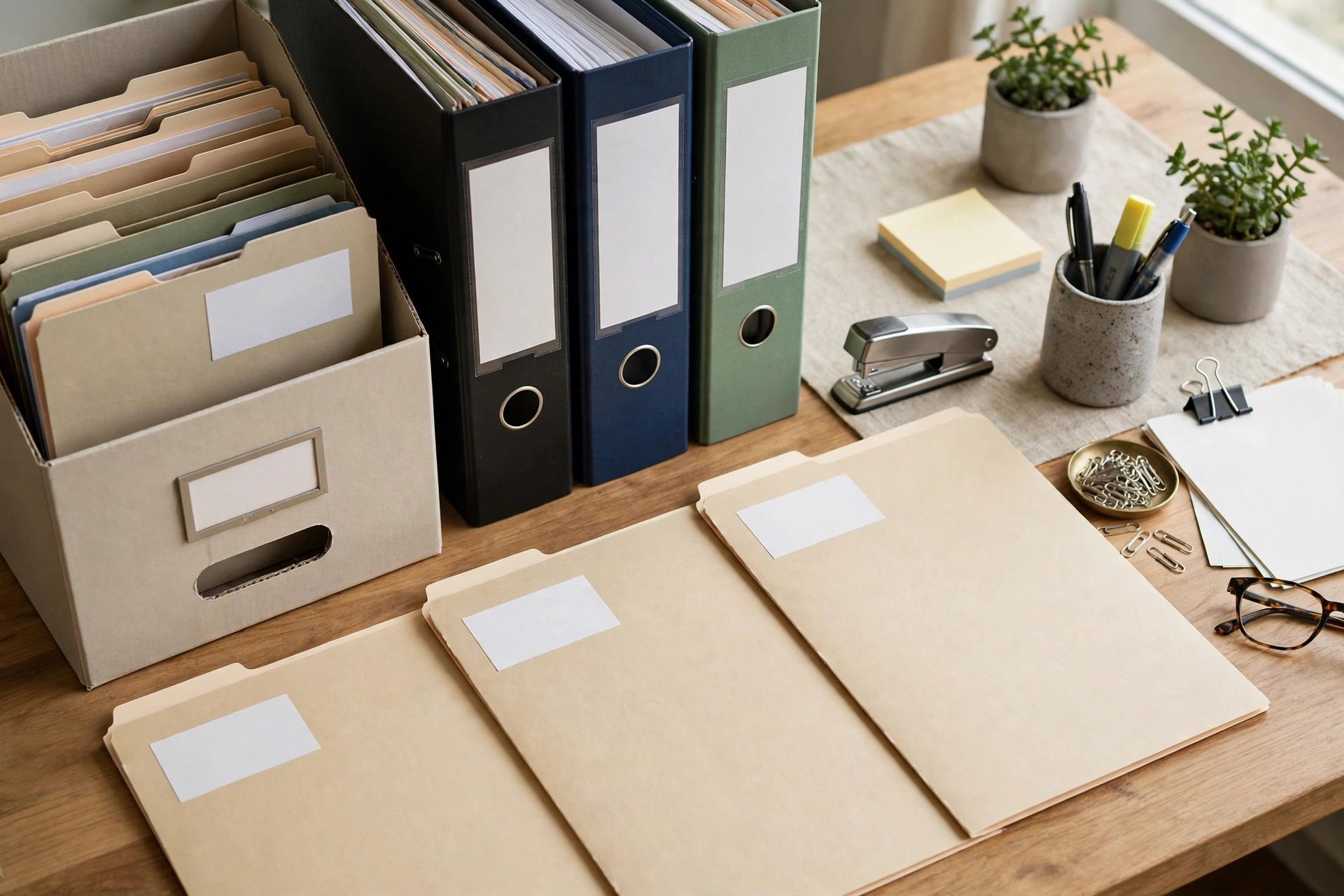
Give every paper family its own color, and finding a document turns into a glance instead of a search. Red folders hold medical papers, green holds money and tax, blue holds home and car, and yellow holds school and kids. Hang the folders in one drawer or file box in that color order, and put a small color key on the inside of the drawer so anyone in the house can file without asking. New papers go straight to their color the day they arrive, which stops the pile on the counter from growing back.
Try this: Start with five colors only, even if you have more categories, and let a sixth color wait until a folder truly overflows.
Cost: $ | Difficulty: Easy | Time: 2 hours.
If paper also collects on your desk during the day, these 18 small desk organization ideas show how to keep daily papers moving toward their folders instead of stacking up.
2. One binder per life area

Binders work best when each one covers a single life area instead of trying to hold everything. One binder holds medical records with a tab per family member, one holds home papers like the lease, appliance manuals, and repair receipts, and one holds school papers with a tab per child. Sheet protectors guard the pages you pull out most, and a one-page index at the front of each binder lists what lives behind each tab. The binder lives on a shelf you can reach without a step stool, so grabbing it feels quick.
Try this: Label the spine of each binder in large print, since a binder you cannot identify from the shelf is a binder you will not open.
Cost: $ | Difficulty: Easy | Time: 3 hours.
3. Accordion file for active papers

Active papers need a home that is separate from the archive, or they drown in old files. An accordion file with 12 to 24 sections holds only what needs action soon: bills to pay, forms to return, permission slips, and appointment letters. Label each section by task or by month, whichever matches how your household thinks, and keep the file where mail gets opened. When a task is done, the paper moves to its binder or archive folder the same week, so the accordion file never turns into a second archive.
Try this: Empty the accordion file every Sunday night, and move finished papers out before the new week adds fresh ones.
Cost: $ | Difficulty: Easy | Time: 1 hour.
4. Fireproof grab-and-go box for vital originals

Some papers are hard to replace, and those deserve a box of their own. Birth certificates, passports, Social Security cards, wills, powers of attorney, deeds, and vehicle titles go in one fireproof box with a handle, kept in a spot every adult in the house knows. Keep copies of each document in your digital folders as well, but keep the originals in the box, never scattered across drawers. In an emergency, one box leaves the house with you, and no one has to guess which drawer holds the deed.
Try this: Tape a short list to the inside of the lid naming what belongs in the box, so a missing item stands out at a glance.
Cost: $$ | Difficulty: Easy | Time: 2 hours.
5. Year-labeled archive boxes
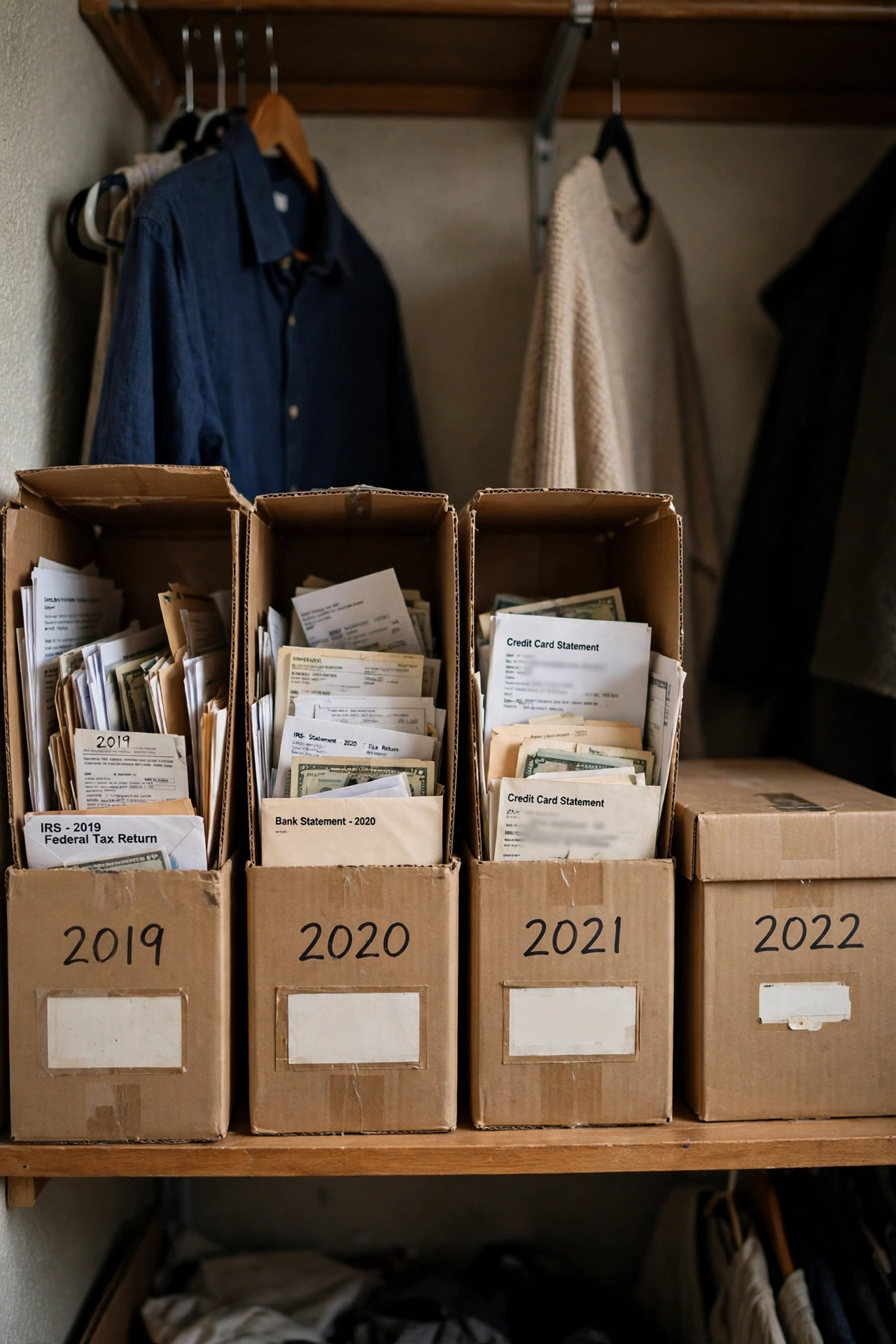
Old papers earn their keep only when you can still find them, and year labels make that simple. One box per year holds tax returns, year-end statements, and paid-off loan papers, with the year written large on two sides so the box reads from any angle on the shelf. Inside, one folder per category keeps the box from turning into a loose stack, and a short note on top lists what went in last. When a new year starts, a fresh box starts too, and the oldest box gets reviewed for shredding.
Try this: Review one old box each January, and shred what no longer needs keeping before the new year adds its own box.
Cost: $ | Difficulty: Easy | Time: 2 hours.
Deep drawers under the stairs can hold archive boxes like these, and these 25 built in storage under stairs ideas show drawer banks and cabinet walls sized for exactly that kind of storage.
6. Mail station that sorts on arrival

Most piles start at the front door, where mail gets set down “for later” and later never comes. A mail station with three labeled spots fixes that at the source: one tray for action, one folder for filing, and one bag for shredding. Open mail standing at the station, toss junk and envelopes at once, and put each keeper in its spot before you walk away. The whole habit takes under five minutes a day, and it cuts the weekly sorting session down to almost nothing.
Try this: Put a small recycling bin and a shred bag right beside the station, since a sort spot without a discard spot just moves the pile.
Cost: $ | Difficulty: Easy | Time: 1 hour.
7. Phone scan routine with consistent file names
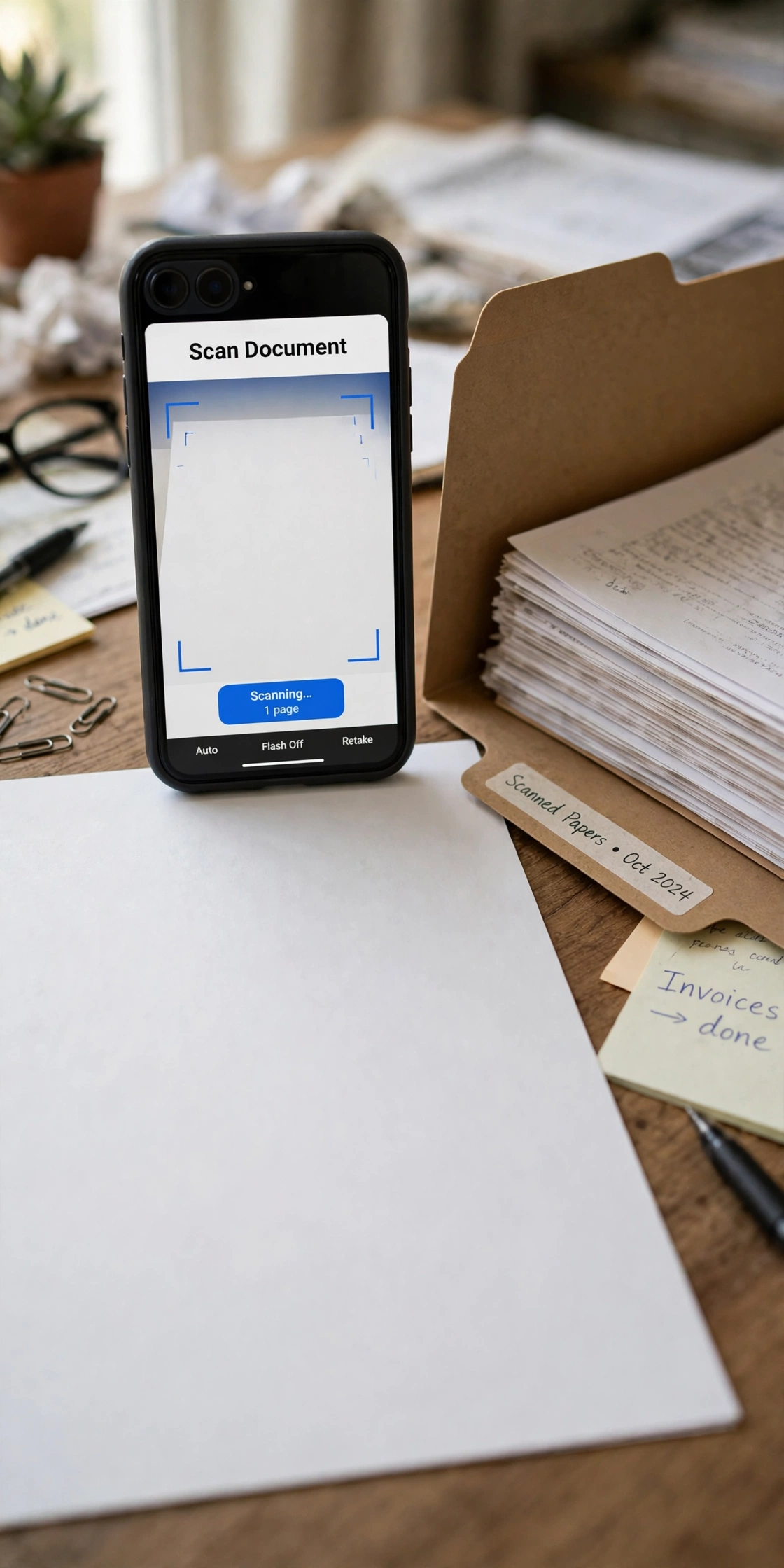
Scanning works when it becomes a routine, not a weekend project. Pick one day a week, open a scanner app on your phone, and scan the papers that arrived since the last session: receipts, permission slips, warranty cards, and letters you may need away from home. Name every file the same way, such as “2026-Car-Insurance” or “2026-School-Permission-Slip”, so search finds it later without guessing. Store the scans in the same category folders as your paper files, and the phone copy becomes the backup you reach for first.
Try this: Scan a paper the moment you file the original, while it is still in your hand, and the backlog never gets a chance to form.
Cost: $| Difficulty: Easy | Time: 30 minutes a week.
8. Mirrored digital folders with cloud backup
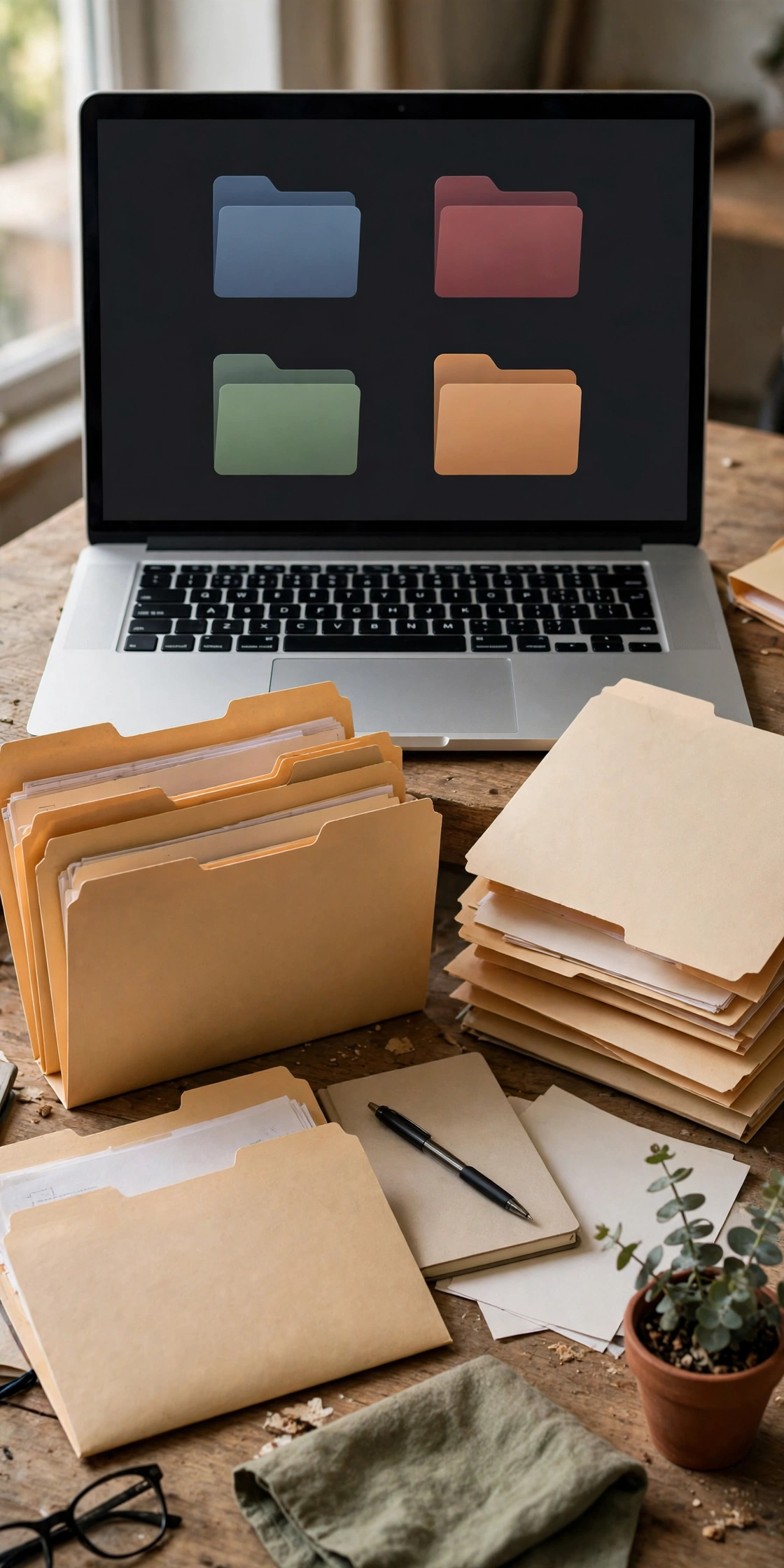
Digital folders help most when they mirror the paper system exactly, so one set of categories serves both. Create a main folder called “Documents”, then one subfolder per paper category: money, medical, home, car, school, and vital records. Turn on automatic cloud backup for that main folder, and protect the account with a long unique password plus two-factor authentication. When a device breaks or a paper original goes missing, the same folder names lead you to the copy in seconds, from any device.
Try this: Check once a month that the cloud backup actually ran, by opening one file on a different device than the one you scanned it from.
Cost: $| Difficulty: Easy | Time: 2 hours.
For password habits that hold up, the CISA guide to strong passwords explains password managers and two-factor authentication in plain terms.
9. School papers keepsake file
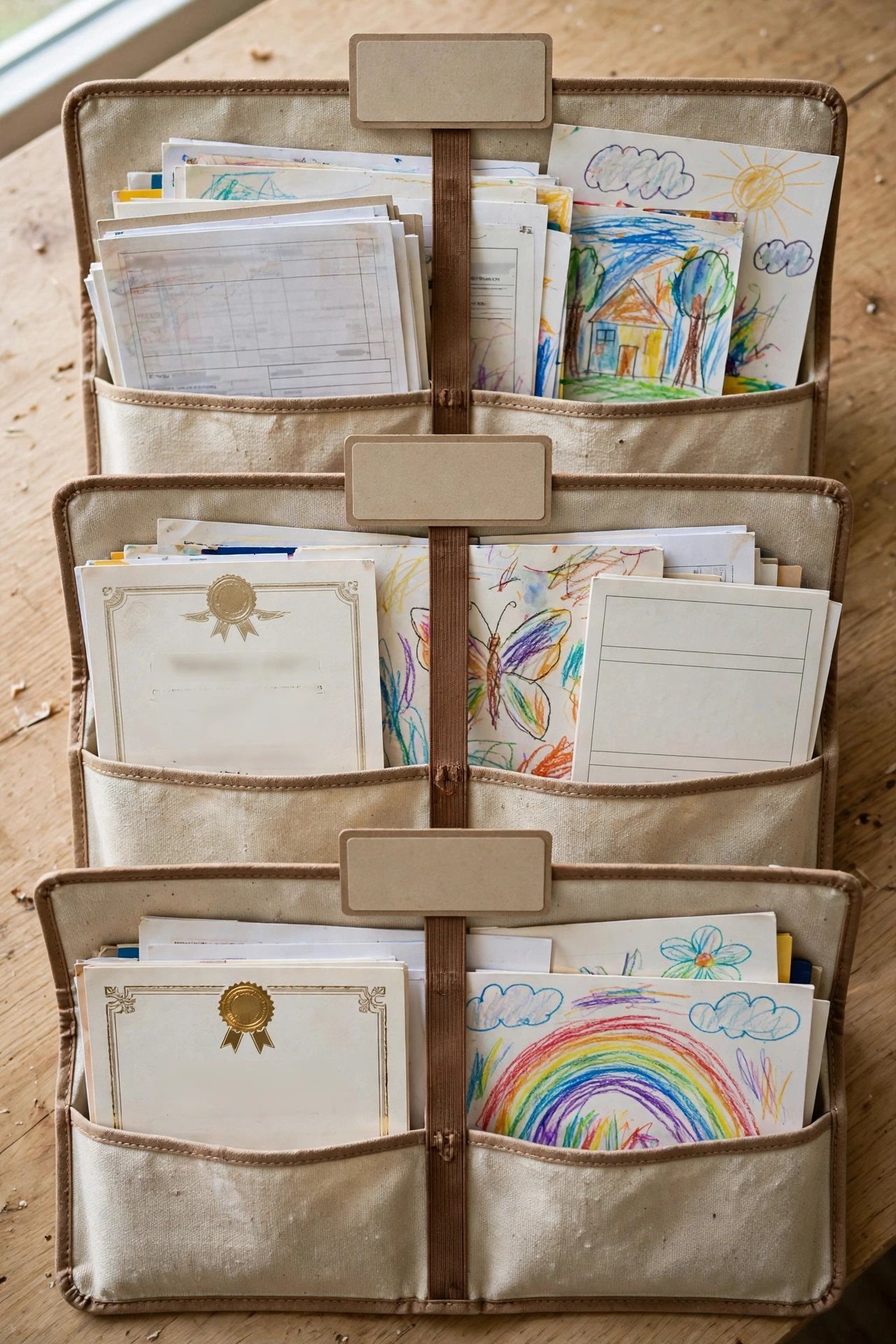
School papers are the hardest to purge, because every sheet feels like a memory. A keepsake file with one section per school year solves the argument in advance: report cards, awards, and a few favorite art pieces go in that year’s section, and anything that does not fit waits for the yearly review. At the end of each school year, sit with your child for ten minutes, pick the keepers together, and photograph the rest before recycling it. The file stays slim, the memories stay findable, and no drawer has to absorb another year of worksheets.
Try this: Cap each school year at one section, and let the photo album hold the overflow instead of a second box.
Cost: $ | Difficulty: Easy | Time: 1 hour.
A dedicated homework and reading corner makes the school paper flow easier too, and these home school room ideas show setups sized for small rooms.
10. Quarterly purge and shred session

Every filing system drifts, and a purge every three months pulls it back. Set a 30-minute timer, open one category at a time, and ask one question per paper: do I still need this, and would a scan do instead? Expired warranties, old coupons, cleared checks, and duplicate statements go in the shred pile, and anything with account numbers gets shredded rather than tossed loose. End the session by updating the labels on any folder that changed, so the system you keep matches the papers you actually hold.
Try this: Book the purge on the calendar like an appointment, on the first Saturday of each quarter, so it survives busy weeks.
Cost: $| Difficulty: Easy | Time: 30 minutes a quarter.
Compare the documents organization ideas
| Idea | Cost | Difficulty | Time | Best for |
|---|---|---|---|---|
| Color-coded hanging folders | $ | Easy | 2 hours | Finding any paper fast |
| One binder per life area | $ | Easy | 3 hours | Grabbing a full category at once |
| Accordion file for active papers | $ | Easy | 1 hour | Bills and forms in progress |
| Fireproof grab-and-go box | $$ | Easy | 2 hours | Vital originals and emergencies |
| Year-labeled archive boxes | $ | Easy | 2 hours | Old tax and year-end papers |
| Mail station that sorts on arrival | $ | Easy | 1 hour | Stopping piles at the door |
| Phone scan routine | Free | Easy | 30 minutes a week | Copies you need on the go |
| Mirrored digital folders | Free | Easy | 2 hours | Backup when paper goes missing |
| School papers keepsake file | $ | Easy | 1 hour | Kids papers without the guilt |
| Quarterly purge and shred | Free | Easy | 30 minutes a quarter | Keeping the system honest |
Sort the first pile in one afternoon
Starting feels hard because the pile looks like one giant job, but three boxes break it down fast. Label them Keep, Scan, and Shred, then pick up each paper once and drop it in a box without re-reading it twice. The Keep box gets filed into the new system right away, the Scan box gets scanned that same week, and the Shred box goes through the shredder before the day ends. Most households finish the first sort in one afternoon, and the relief of a clear counter makes the rest of the setup feel easy.
A paper sort pairs well with a wider reset, and these 20 checklist ideas for getting your life together cover money, home, and paperwork routines that keep the new system running.
Documents safety checks
Originals and copies play different roles, and mixing them up causes trouble. Keep originals of birth certificates, deeds, titles, and wills in the fireproof box, and treat scans as working copies for forms and claims, not replacements. Store digital folders behind a strong unique password with two-factor authentication turned on, and never email scans of vital documents to yourself on a shared computer. Shred anything with account numbers, Social Security numbers, or medical details before it leaves the house, and check once a year that the backup still opens on a second device.
Frequently asked questions
How long should I keep tax documents?
The IRS ties recordkeeping to the period of limitations for each return, which is generally 3 years, with longer periods for certain claims and property records. Keep copies of filed returns, and check the IRS guidance on how long to keep records for your situation before shredding anything tax related.
Should I keep paper originals after scanning?
Yes for vital records like birth certificates, deeds, titles, and wills, since some offices still ask for originals. For routine papers like receipts and old statements, a clear scan usually serves fine once you confirm the scan is readable and backed up.
What is the fastest way to start if the pile is huge?
Start with the mail station and the accordion file for active papers, since those stop new piles first. Then sort the old pile in one afternoon with the Keep, Scan, and Shred boxes, and file the keepers into color-coded folders or binders.
How do I keep kids from losing school forms?
Give school papers one landing spot, such as a tray by the door or one section of the accordion file, and empty it every Sunday night. Forms that need a signature get signed the night they arrive, so mornings never start with a search.
What should I shred instead of tossing?
Shred anything with account numbers, Social Security numbers, medical details, or signatures, including cleared checks, expired cards, credit offers, and old statements. If you lack a shredder, look for a local community shred day, or black out account numbers with a marker before disposal.
Final thoughts
Pick the idea that fixes your worst pile, set it up this week, and let the rest follow one folder at a time, since a system you actually use beats a perfect system that stays in a shopping cart.
Not sure where to start? See these 8 point of clutter ideas to inspire your decluttering, from counters to closets.
Ready to clear the whole house? See these 10 easy simple steps to declutter your home, from one drawer to a weekly reset.